

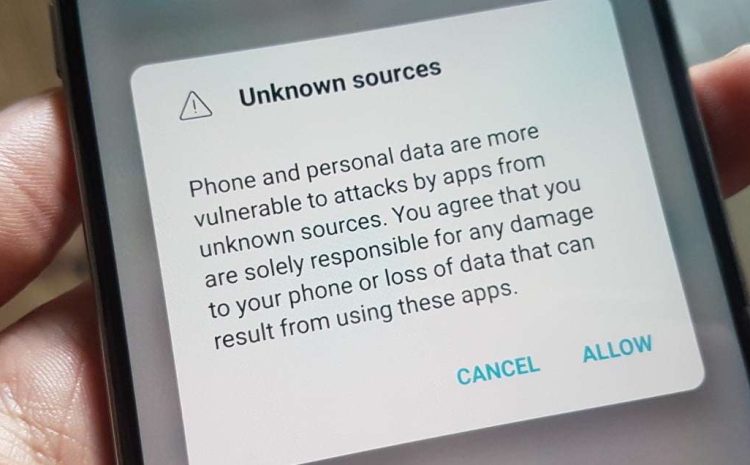
Allowing app installs from Unknown Sources in Android
For Android 7 (Nougat) and below:
- Open the Settings app.
- Navigate to Security (or Lock screen and security).
- Find the option for Unknown sources and toggle the switch to On.
- You might see a warning message. Tap OK to confirm.
For Android 8 (Oreo) and above:
The process for newer Android versions is slightly different. Instead of a global setting, you allow app installation from specific sources. Here’s how:
- Open Settings.
- Go to Apps & notifications (or Apps).
- Tap the three dots in the top right corner and select Special access (or similar wording).
- Choose Install unknown apps.
- Select the app you want to allow installations from and enable the toggle.
Once you’ve enabled installation from unknown sources, you can proceed to download the APK file (the app package) for the desired app. After downloading, locate the APK file on your device using a file manager app. Tapping the APK file will usually initiate the installation process.